Connect Firmora to the tools you rely on
Firmora works alongside your email, calendar, accounting and tax software — and the API lets you build the rest.
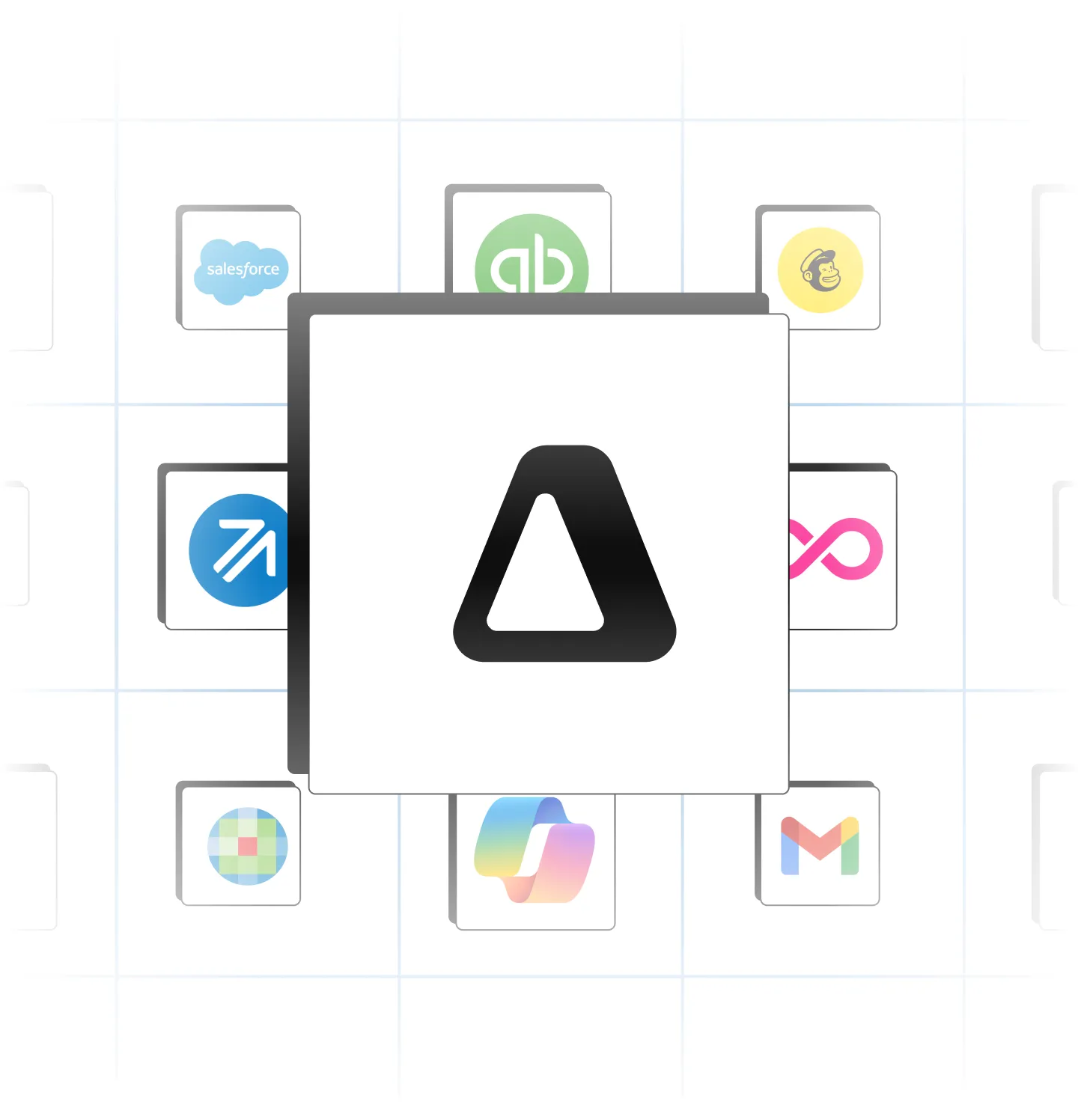
Integrations that make the whole firm faster
- Better collaboration across tools
- Faster, more accurate work with less re-keying
- Flexible file editing and sharing
- Easier information collection
- Automatic client and contact sync
- Faster, more accurate billing
- Stronger client marketing

Where Firmora connects
-
Mail & calendar
Email and scheduling tied to the right client automatically.
-
Accounting data
Ledger sync for clients, invoices and close automation.
-
Documents & spreadsheets
Files and sheets that stay current as client data changes.
Save returns straight to client folders
- Print or save from your tax software into Firmora
- Returns land in the right client folder automatically
- Keep the tax prep software your team already knows
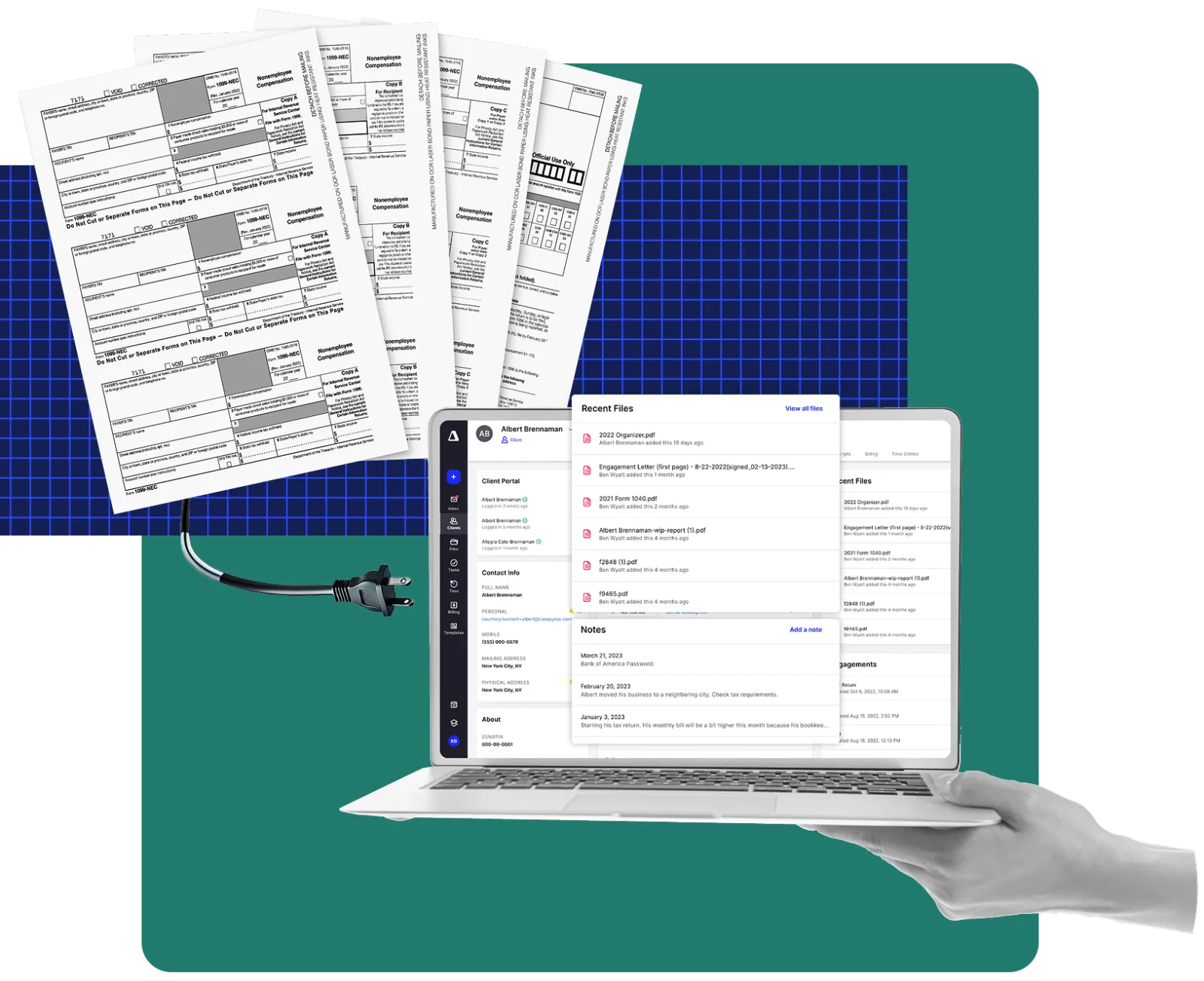
Build more with the Firmora API
- Client contact details
- Filing and business types
- Custom fields
- External and client IDs
- Client statuses
- Linked clients
Frequently asked questions
Can’t find what you need? Our team is happy to help.
Integrations move data between systems automatically, cutting re-keying and keeping records consistent.
An API lets other software read and update data in Firmora securely, so you can build custom connections.
Automation platforms are flexible for simple triggers; native integrations go deeper and need less upkeep.
Yes. The API currently covers client data. See the API page for details.
Yes. Use the API to connect Firmora with your internal tools and reporting.
Yes. Connections use encrypted transport and scoped access tokens.
Yes. Connect your inbox and calendar so client email lands on the right record.
Our support team helps you set up and troubleshoot integrations.
Ready to get started?
See it working with your own clients, workflows and billing setup.
- 30-minute personalized walkthrough
- Migration plan for your current tools
- Transparent pricing for your team size